4 min
Give each Herdr coding agent its own Blaxel sandbox
Run coding tasks in their own Blaxel sandboxes from Herdr. Inspect the app, compare results, and choose which patches reach your local repository.

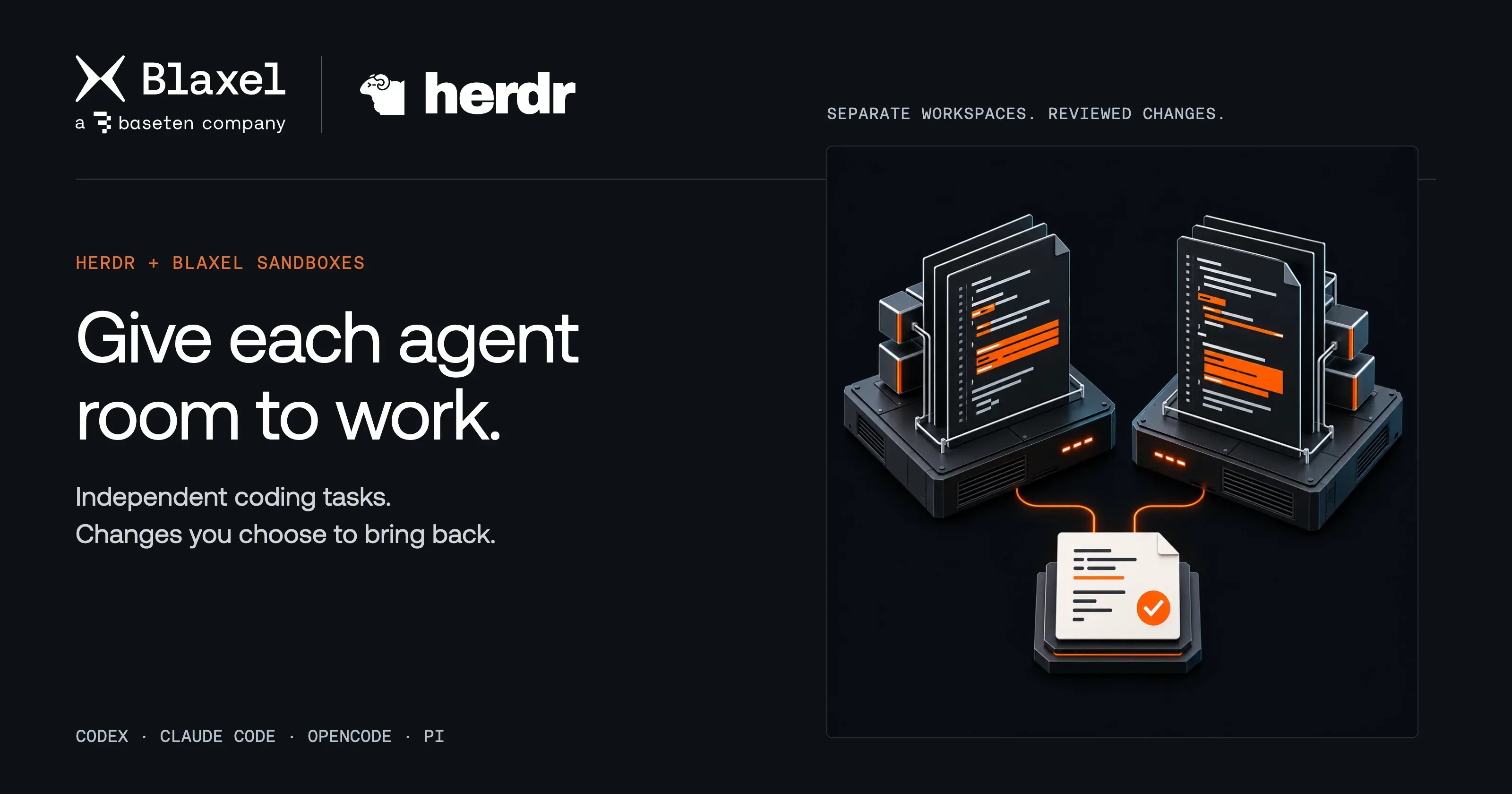
Two coding tasks need the same project. One agent fixes how invoice amounts appear. Another changes the sort order. Give each its own computer, then decide which changes belong in your repository.
Blaxel's Herdr plugin makes that workflow available from Herdr. Run Codex, Claude Code, OpenCode, or Pi in an isolated cloud sandbox, inspect the result where it runs, and bring it back as a reviewed Git patch. Your local worktree stays available while the agents work on their own copies.
Give two tasks room to run
We tried this with an invoice dashboard. The amounts needed consistent currency formatting, and the invoice list needed sorting by date. Both changes touched the same source file.
We started each task with Codex in its own Blaxel Sandbox. The formatting agent could change the amount display and add tests while the sorting agent worked on a separate copy. Neither task changed the other's files or our local worktree.
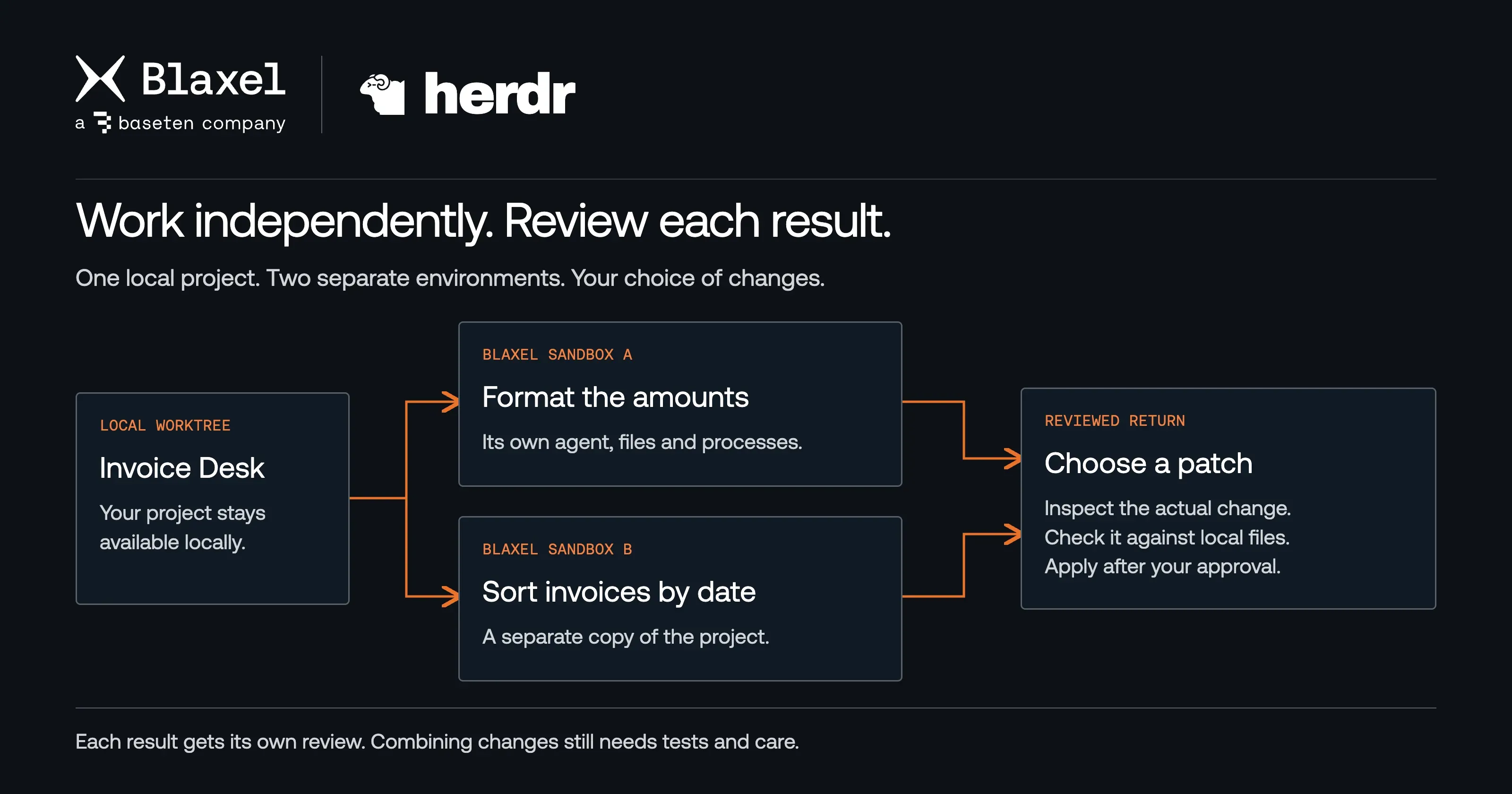
Every Start creates a new sandbox. Each result comes back through its own review.
That separation is useful when you're exploring alternatives, splitting up a feature, or letting another task run while you review the first. Each sandbox has its own files and processes. Herdr keeps the agents accessible in their panes, and the Blaxel dashboard shows which repository, branch, tool, and workspace each sandbox belongs to.
Choose your coding tool in the dashboard before starting a new sandbox. Existing sandboxes keep the tool and workspace they were created with.
See the result before importing it
In the formatting sandbox, Codex changed $1249.5 to $1,249.50 and added tests for zero, cents, thousands, and refunds. We opened the running application through a private preview to check the amounts in context.
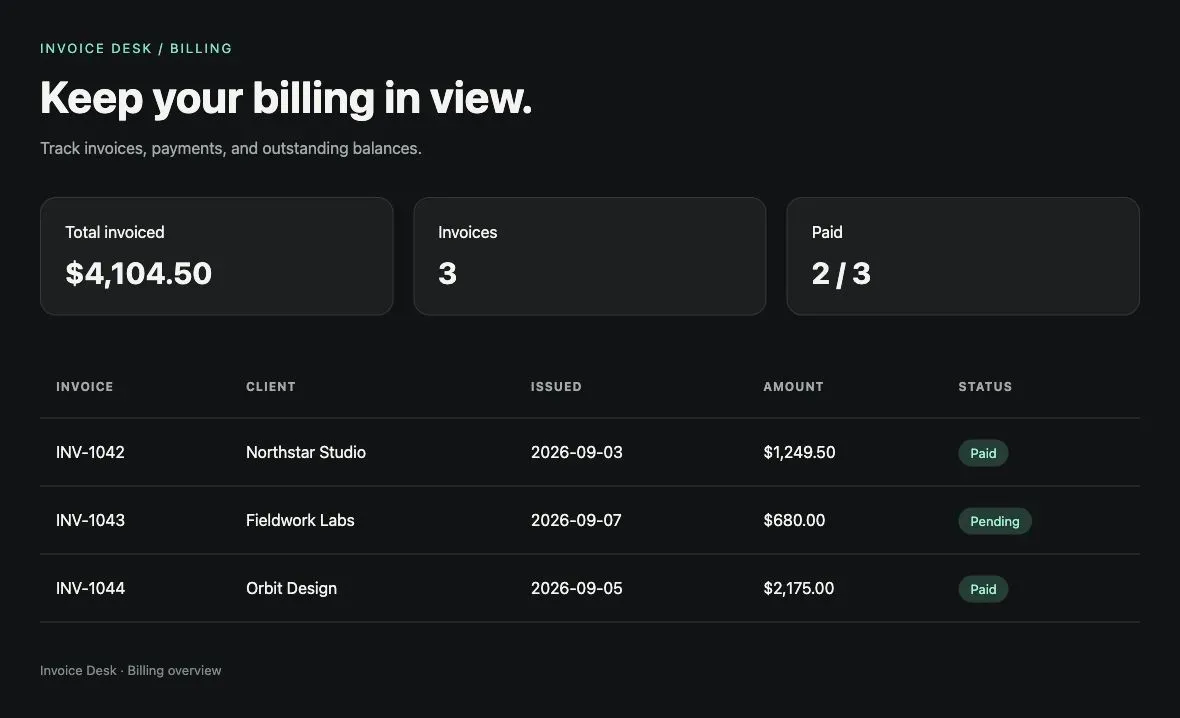
The application shows the formatting change before it reaches the local repository.
A private preview lets you inspect the actual application on a configured port. You can also reconnect to the agent to ask for another change or read its output. A local terminal disconnect leaves the remote session available within the sandbox's lifecycle policy. Use Reconnect to return to that work; Start creates another environment.
Keep control of your worktree
Select a sandbox and choose Apply when its result is ready. The plugin exports a Git patch, checks it against your current worktree, and displays the complete patch for review. It checks again after your approval before applying the changes.
We brought back the formatting change and reran its four tests locally. All passed. The sorting change stayed in its own sandbox, ready for a separate decision.
Independent environments make concurrent work easier to manage, but combining edits still needs care. A conflicting patch stops the import. A cleanly applying patch still deserves tests and code review, especially when another task touched the same function.
Send the project, keep credentials scoped
The plugin uploads a filtered snapshot of the worktree. It excludes ignored files, dependencies, common credential files, private keys, and recognized secret patterns. Host coding-agent login files stay on your computer. Supported provider API keys are supplied through encrypted sandbox environment variables when configured.
Start shows the target workspace and upload as provisioning proceeds. The configuration reference explains authentication and upload settings.
Stop ends the agent session while preserving sandbox files. Delete removes the environment. Bring back work you need before deletion or the configured idle-deletion policy expires.
Start with one change
Choose a small task with a result you can inspect: fix an amount display, add a filter, or improve a test. Follow the plugin quick start, run the agent from Herdr, and review its patch when you're ready. Add a second sandbox when you have another task worth running alongside it.
Related articles
[BLAXEL NEWS]
Close your laptop. Keep DeepSeek Harness working on Blaxel.
Take your DeepSeek Harness task to a private Blaxel host and let it keep working. Review the patch, then return the files and conversation to your computer.
September 09, 2026 • 4 minutes reading.
[BLAXEL NEWS]
Blaxel brings persistent workspaces to OpenAI's Agents API
Turn one agent's findings into the next agent's starting point. Blaxel gives OpenAI agents isolated computers and persistent files for work that spans tasks and teams.
September 08, 2026 • 4 minutes reading.

[BLAXEL NEWS]
Choosing a sandbox is choosing your agent infrastructure
StarSling benchmarked our compute layer. Production agents also need their work to persist and the right networking and controls around that compute.
July 23, 2026 • 2 mins.