


Give your agents lasting memory.

Agents that forget on every run are not autonomous. Blaxel storage primitives let an agent keep & share its files, working state, and context, from a single session to years of retention.

An open storage well holding data marks, one written by an agent

Persistence is built into the runtime

Attach storage to a sandbox so that an agent's context survives across the lifecycle of one or multiple sessions. State is persistent by design, so an agent can remember what it did and pick up across sessions without you building a state layer around it.

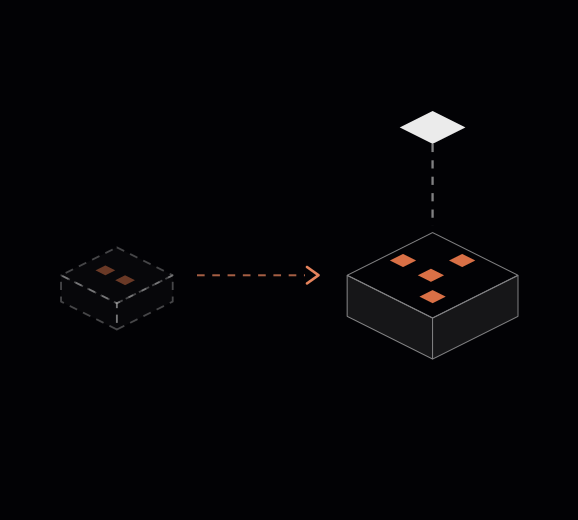
When a sandbox scales to zero, Blaxel snapshots its full filesystem & memory to warm storage, so it resumes from standby in ~25ms with exact state intact, even after weeks idle. When you need data to outlive the sandbox itself, you move to durable volumes or a shared drive.

The storage primitives

Three building blocks cover the full range, from instant in-session memory to long-term retention to real-time sharing across agents.

A ghost sandbox restoring into a live one with identical state marks

01/IN-SESSION MEMORY

Sandbox local filesystem

An in-memory filesystem with snapshots kept forever until you delete them. Full filesystem and memory state is captured at scale-down and restored on resume, so a sandbox comes back exactly where it left off and running processes continue. Best for fast, in-session working memory.
Read more
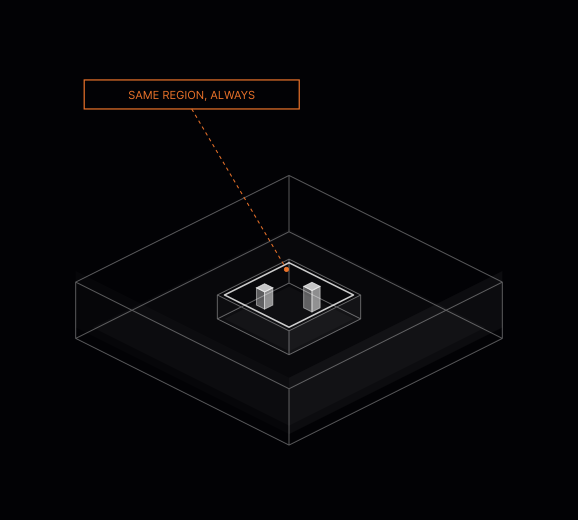
A sandbox mounted on a volume in the same region

02/LONG-TERM DURABLE

Volumes

Durable mounts that retain data for years on a redundant backend. A volume is block storage attached to a sandbox at creation, and it survives sandbox destruction and recreation, so it is the cost-effective way to persist files from weeks to years. Best for long-term retention and large codebases.

Read more
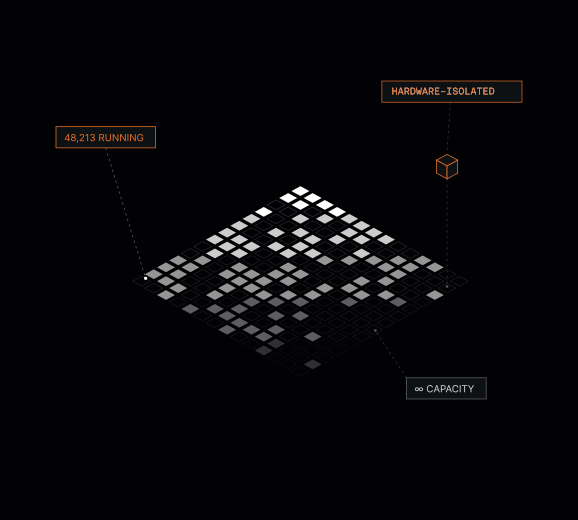
Tens of thousands of hardware-isolated agents sharing one drive

03/SHARED MEMORY LAYER

Agent Drive

Private preview

A distributed filesystem for real-time, multi-agent collaboration. A drive mounts into multiple sandboxes or agents at once, including while they are already running, with concurrent read-write access and built-in replication for durability. Best for many agents working on the same files.

Read more

[DECISION MATRIX]

Which one should I use

  • 01/In-session memory

    Sandbox local filesystem

    Best for
    Fast in-session working memory
    Lifetime
    Until you delete the sandbox
    Shared across sandboxes
    No, one sandbox
  • 02/Long-term durable

    Volumes

    Best for
    Long-term retention, large codebases
    Lifetime
    Weeks to years
    Shared across sandboxes
    No, one sandbox at a time
  • 03/Shared memory layer

    Agent Drive

    Private preview
    Best for
    Shared memory layer, small to mid-sized files
    Lifetime
    Weeks to years
    Shared across sandboxes
    Yes, many at once

Pricing

No base subscription. Storage is fully usage-based, and you start with up to $200 in free credits, no credit card required.

  • Standby snapshots

    $0.20/ GB-MONTH


    Memory and filesystem snapshots that keep suspended sandboxes ready for about 25ms resume.

    Get started
  • Volume

    $0.12/ GB-MONTH


    Durable, long-term storage billed on the size you provision, scaling up to 512 TB.

    Get started
  • Agent Drive

    Free during preview


    A shared filesystem that many sandboxes and agents mount at once, with concurrent read-write access.

    Request access
  • Images

    $0.045/ GB-MONTH


    Templated deployment images stored for fast, repeatable environment creation.

    Get started

You only pay for what you store. Suspended sandboxes stop billing compute and are charged at the snapshot storage rate to stay resume-ready. All sizes are binary gigabytes (GiB), where 1 GB = 2^30 bytes.