4 min
Close your laptop. Keep DeepSeek Harness working on Blaxel.
Take your DeepSeek Harness task to a private Blaxel host and let it keep working. Review the patch, then return the files and conversation to your computer.

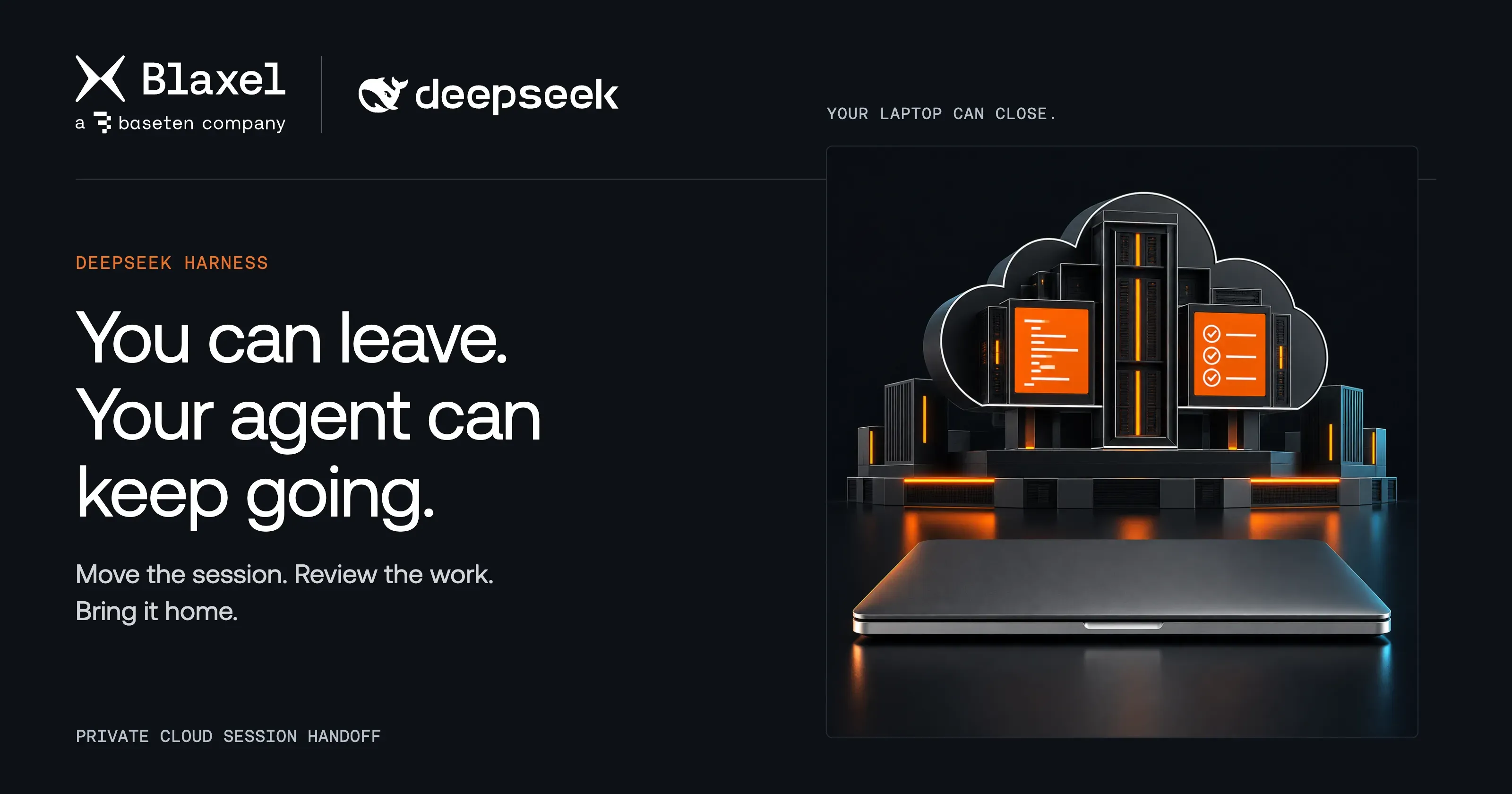
Your coding agent has a plan, the project is open, and you need to leave. Move the session to Blaxel, wait for the cloud page, and close your laptop. The agent can keep editing and testing while you're away.
Cloud session handoff in the DeepSeek Harness integration moves your project and conversation into a private Blaxel host. When you're ready to return, review the patch and bring the files and conversation back together. You can carry a task through the day without tying its progress to one computer staying awake.
Leave with a task in motion
We tested the handoff with Invoice Desk, a small billing application that already exported invoices as CSV. The next change was to add All, Paid, and Pending filters, with the export following the selected view.
The conversation started locally with an implementation plan. We wrote the next instruction and left it unsent. Move to Blaxel carried the project, conversation, and pending draft to the cloud page, ready to continue.
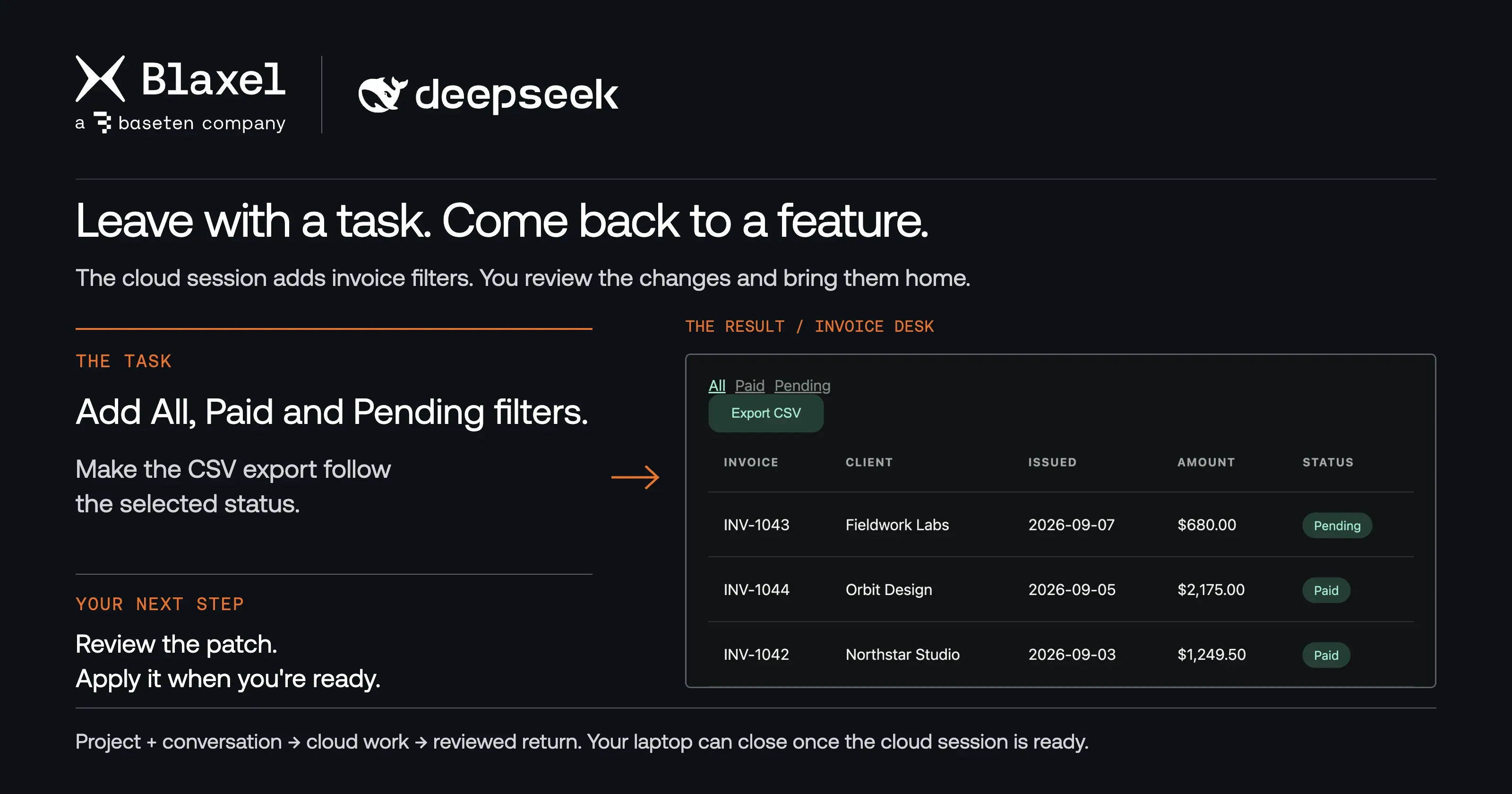
The cloud session adds the filters and CSV behavior. Review the returned patch before applying it.
To check that the cloud could work independently, we suspended the original DeepSeek host and sent the instruction from the cloud page. The agent read files, made edits, and ran tests while the local host remained paused. Follow-up instructions stayed in that same cloud conversation.
The task finished with working status filters and thirteen passing tests. The useful result was a change we could inspect and bring back, with the conversation explaining how it got there.
Return to progress you can review
On the original computer with DeepSeek Harness running, choose Move back to local. The review shows changed files and the actual patch before you select Apply changes and move back.
The plugin checks the patch against your current local files, returns the conversation and pending draft, and restores your local permission policy. It deletes the sandbox after the files and history are safely stored locally.
We reran the thirteen tests after returning. Independent HTTP checks confirmed three invoices under All, two under Paid, and one under Pending, alongside the filtered CSV export.
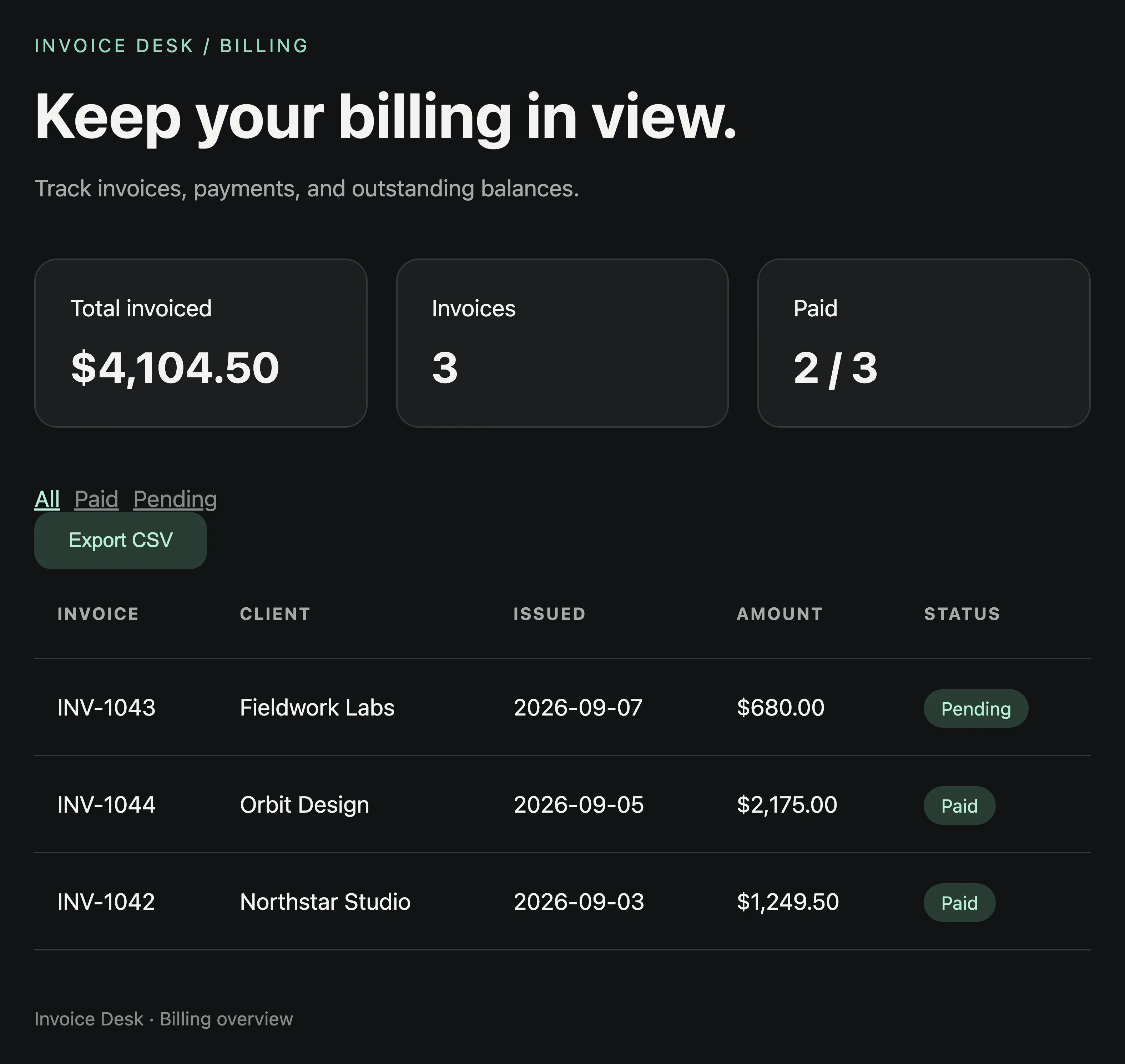
The returned project includes the working filters and their tests, ready for the next local change.
Keep the next handoff connected
After returning, we added a local README checkpoint and moved the same conversation again. A second cloud task documented the filters while preserving that newer local work.
Each move takes an explicit snapshot. Reopening an existing sandbox reconnects to its files; it does not upload newer local edits. Move back, reconcile your changes, then move again when you want to carry more local work into the cloud.
Conflicts stop the return and preserve both copies with a recovery patch. We tested resolving a conflicting local edit and retrying the transfer, as well as recovering after a local-host restart. Choose a sandbox lifetime that leaves time to review and return the work; an expired private link and an expired sandbox are different things.
What travels with the session
The handoff includes uncommitted edits, unignored source files, native conversation history, referenced images, supported child-session history, and a pending text or image draft. Common credential files and private keys are excluded from the project snapshot.
Independent execution requires a portable API key for the selected native pi-ai or DeepSeek model. That key enters the private cloud host, where the agent has full VM access without per-tool approval. Blaxel credentials remain local. Laptop-only model endpoints, local OAuth grants, external skills, and host MCP configuration do not migrate.
Copy private link opens the cloud conversation from another browser. Treat the link as a credential. Reopening from the original computer renews expired access while the sandbox is still available.
Try a reviewed round trip
Start with a Git-backed project and a small change you can test. The handoff guide covers setup, private access, and recovery; Invoice Desk gives you a concrete starting project.
Cloud handoff requires plugin version 0.1.3 or later. Check the published version before installing: earlier tools-only releases require the original host to keep running. The release notes describe that distinction.
Related articles
Blaxel News
Securing the open frontier with NVIDIA OpenShell and Blaxel sandboxes
Baseten is a launch partner for the NVIDIA Agent Safety Platform and supports OpenShell in the latest generation of Blaxel Sandboxes.
4 min read
Blaxel News
How to Combine Sandbox Safety with a Decision Layer That Gets the Job Done
Sandboxes let coding agents act safely. Decision layers make sure they act correctly. How Blaxel and Rippletide think about combining both.
5 min read
Blaxel News
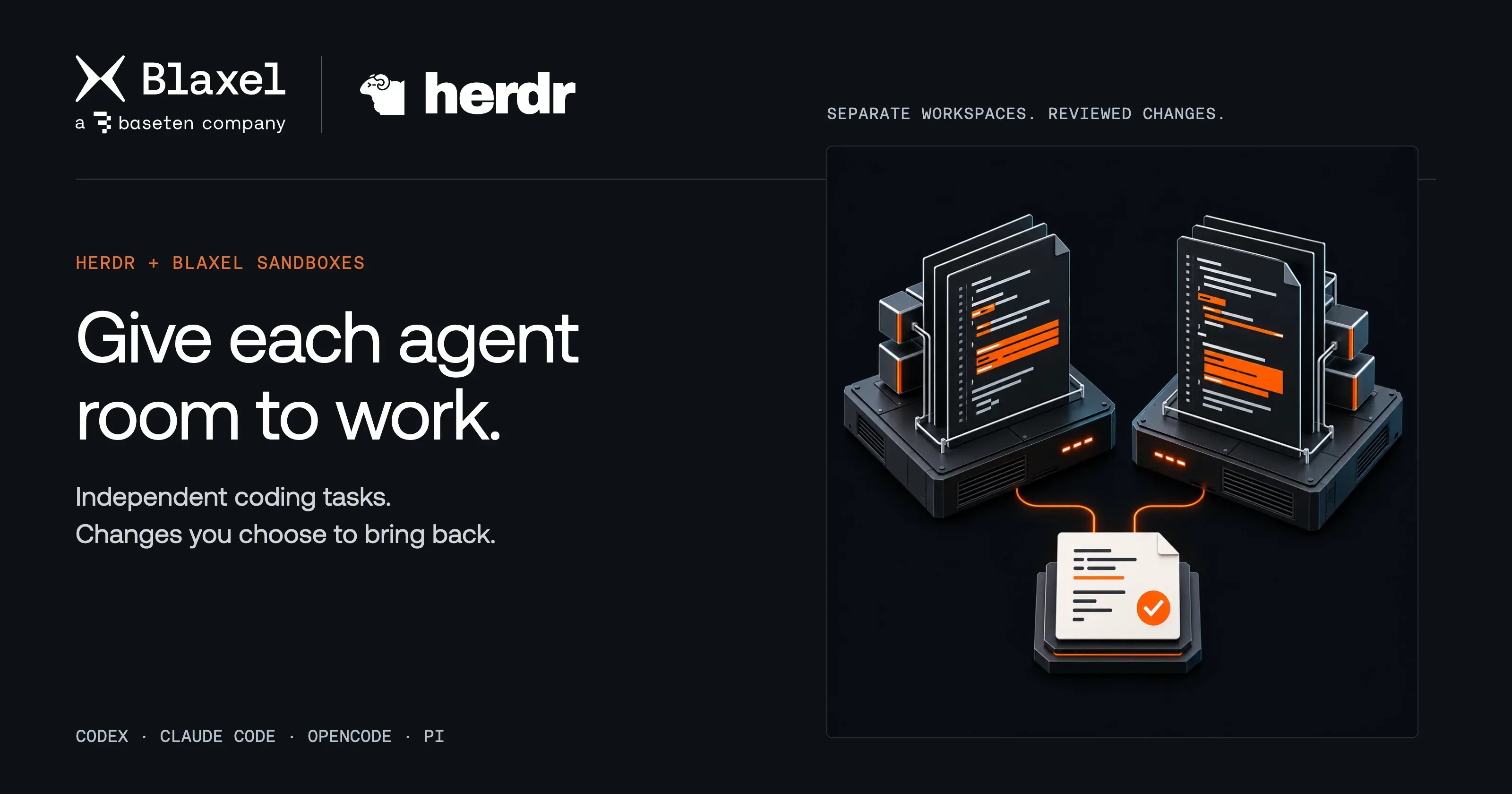
Give each Herdr coding agent its own Blaxel sandbox
Run coding tasks in their own Blaxel sandboxes from Herdr. Inspect the app, compare results, and choose which patches reach your local repository.
4 min read