6 min
Efficiently connect agents and APIs with “code mode” on Blaxel
"Code mode" is now natively supported on Blaxel for OpenAPI-compatible APIs. With this, you can expose any OpenAPI specification to your agents as an MCP server hosted on Blaxel.

Token efficiency is an important topic for AI developers these days.
The more tools you give an AI agent, the more information it has to deal with, and the higher the token count. This is both inefficient and expensive.
“Code mode”, first proposed in a Cloudflare blog post, is an innovative answer to this problem. A subsequent Anthropic blog post about a similar idea, "code execution over MCP", explains why this approach offers significant token savings over traditional MCP tool calling methods.
"Code mode" is now natively supported on Blaxel for OpenAPI-compatible APIs. With this, you can expose any OpenAPI specification to your agents as an MCP server hosted on Blaxel.
How it works
-
Use the Blaxel CLI to deploy an MCP server in code mode. Replace the
OPENAPI_REFERENCEvariable with your OpenAPI specification URL.bl apply -f - <<EOF apiVersion: blaxel.ai/v1alpha1 kind: Function metadata: displayName: Petstore API Code Mode name: petstore-code-mode spec: runtime: type: mcp image: blaxel/code-mode:latest memory: 2048 envs: - name: OPENAPI_REFERENCE value: https://petstore3.swagger.io/api/v3/openapi.json EOF -
Retrieve the MCP server's endpoint url:
bl get mcp my-api-code-mode -o json | jq -r '.[] | .metadata.url' -
Feed this URL to your agent to have it connect to the MCP server as usual and start using the API.

The two tools available are search, which enables an AI agent to evaluate the OpenAPI specification, and execute, which enables the agent to run JavaScript code that calls the actual API endpoints needed for the requested task. All the agent-generated code runs inside an auto-scaling sandbox with a 10-minute idle TTL, ensuring complete isolation and security.
API authentication
API authentication is fully supported. For example, if the target OpenAPI specification defines an authentication scheme called ApiKeyAuth, authenticate against the API by defining an environment variable in your MCP deployment schema called AUTH_APIKEYAUTH with the corresponding secret:
    envs:
      - name: OPENAPI_REFERENCE
        value: https://api.example.com/openapi.json
      - name: AUTH_APIKEYAUTH
        value: ${secrets.AUTH_APIKEYAUTH}
Read more about our implementation of code mode and then try it out for yourself: we've put together a tutorial about using a Claude SDK agent in code mode with Blaxel. All you need is your Anthropic API key, a Blaxel account, and the Blaxel CLI.
Feedback? Tell us in Discord.
Related articles
Blaxel News
Securing the open frontier with NVIDIA OpenShell and Blaxel sandboxes
Baseten is a launch partner for the NVIDIA Agent Safety Platform and supports OpenShell in the latest generation of Blaxel Sandboxes.
4 min read
Blaxel News
How to Combine Sandbox Safety with a Decision Layer That Gets the Job Done
Sandboxes let coding agents act safely. Decision layers make sure they act correctly. How Blaxel and Rippletide think about combining both.
5 min read
Blaxel News
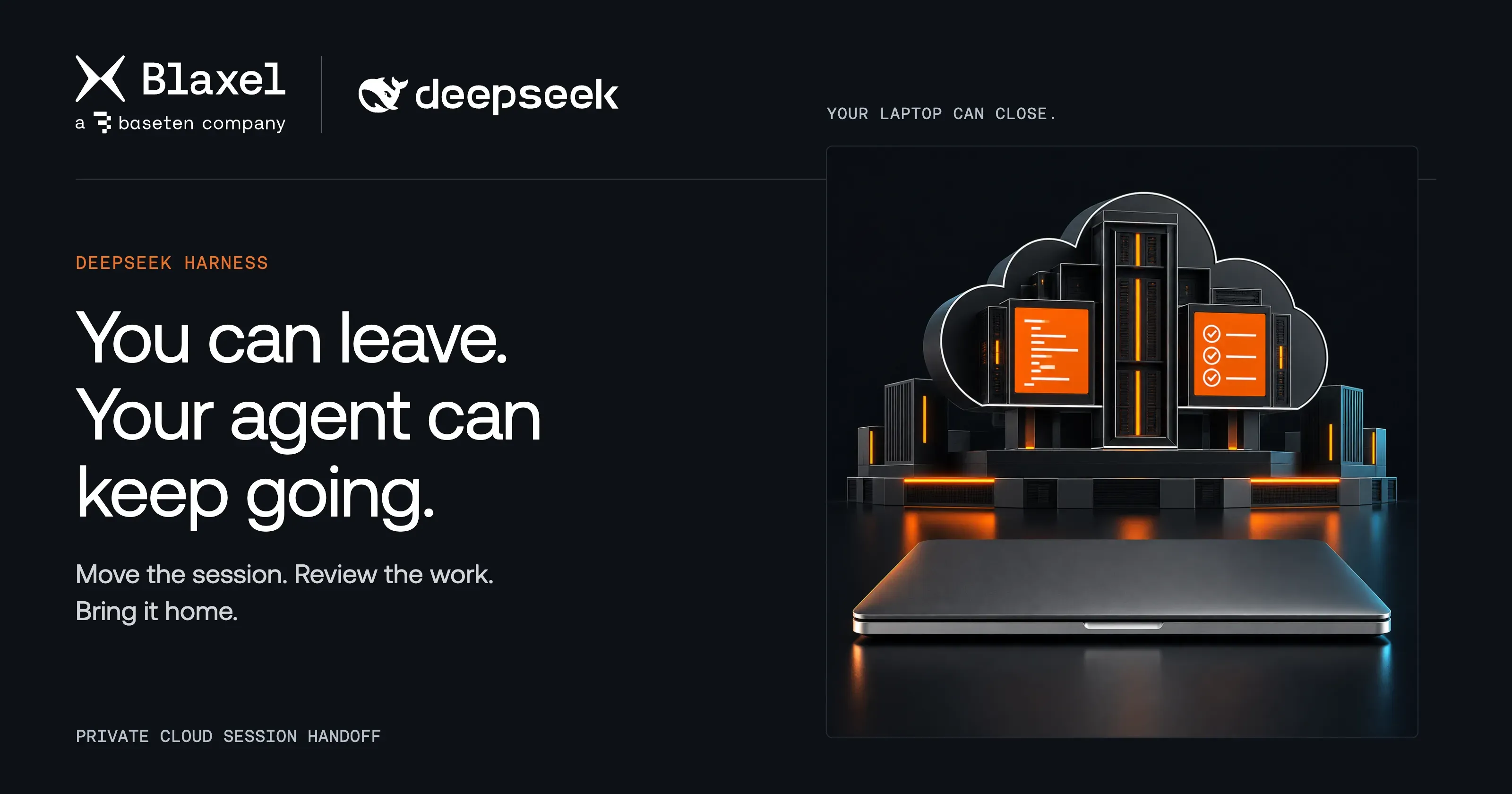
Close your laptop. Keep DeepSeek Harness working on Blaxel.
Take your DeepSeek Harness task to a private Blaxel host and let it keep working. Review the patch, then return the files and conversation to your computer.
4 min read